Façade Wall Washing: Selecting Fixtures from an Elevation Drawing
A representative façade scenario showing how wall-washer power, beam angle and colour temperature are selected from an elevation drawing, with DMX512 options and a 3-year fixture warranty.
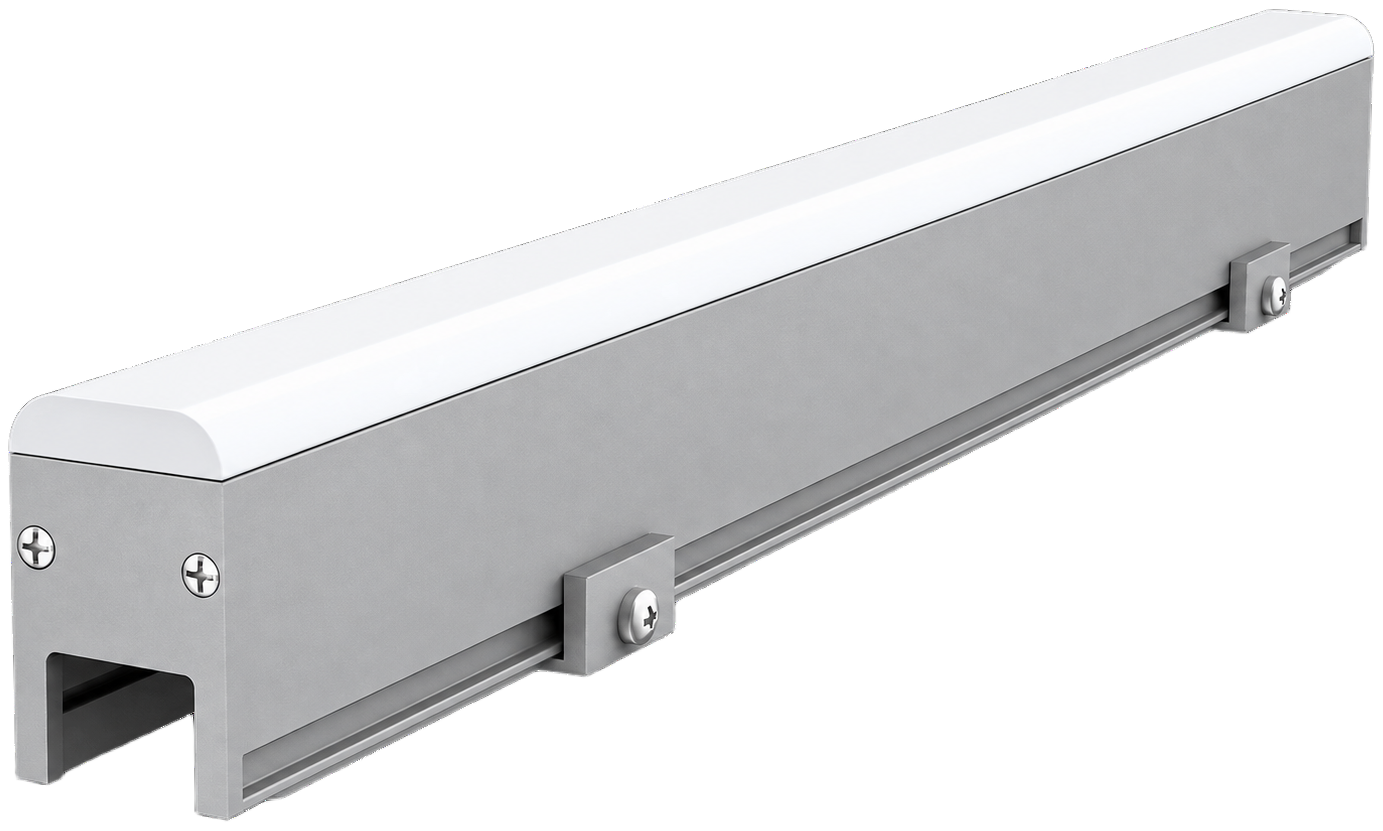
A typical façade washing project starts with an elevation drawing, the washing height and the setback distance. From those inputs GDXC proposes wall-washer power, beam angle and colour temperature as one fixture schedule, with DMX512 versions where the effect changes colour. All wall washers carry a 3-year warranty.
The starting condition
Façade washing often goes wrong before installation: a fixture is chosen from a catalogue photo without checking the mounting distance, leaving dark bands at the top of the elevation or bright hotspots at the bottom. Colour temperature also drifts when fixtures from different batches are mixed on one elevation.
Constraints
| Project input | Elevation drawing, washing height, setback distance |
|---|---|
| Fixture family | GD-WW LED wall washers |
| Control | Single colour or DMX512 RGB / RGBW |
| Colour | Confirmed per project, batch consistency reviewed |
| Warranty | 3 years |
Measured results
- Fixture selection
- Beam decision
- Colour control
What we changed, and why
- Read the elevation Confirm the surface to be washed, the fixture mounting position and the actual distance to the wall.
- Match the beam Select the beam option and power that cover the height without creating a hard cut-off or a bright band near the fixture.
- Fix the colour specification Record colour temperature or RGBW version in the schedule so every batch is produced to the same specification.
- Plan the control Where colour changes are required, choose DMX512 versions and group the fixtures into effect zones.
“The drawing and the mounting distance decide the fixture, not the catalogue photo. Record the colour version in the schedule and the elevation stays consistent across batches.”
GDXC project support team, Technical pre-sale support — Representative façade project
Where this approach stops working
This is a representative scenario, not a named customer project with measured results. Final photometric performance depends on the building surface, mounting geometry and installed conditions, and should be verified on site.
Parts and process
Products used in this programme
LED Wall Washers
An LED wall washer is a linear luminaire that washes a vertical surface with an even, controlled band of light. The GDXC GD-WW series covers 18 W to 72 W versions in single colour, RGB and RGBW, with DMX512 control, rotating mounting brackets and 30°, 60°, 10×30° and 10×60° beam options for building façades, hotels, bridges and commercial complexes..
View productLED Linear Lights
An LED linear light is a narrow luminaire used to draw a visible line along a building edge, bridge or façade. The GDXC GD-L series includes PC and acrylic versions from 10 W to 15 W on DC24 V, with monochrome, RGB and RGBW options, DMX512 control, 160°–180° beam angles and an IP66 catalogue rating for outdoor outline lighting..
View productLED Pixel & Point Lights
An LED pixel point light is a compact addressable luminaire used to build dot-matrix displays and animated media façades. The GDXC GD-P series includes 30 mm to 60 mm housings, 0.72 W to 1.8 W versions, RGB and RGBW output, DMX512 control and 120°–160° beam angles, with a catalogue IP67 rating for exposed outdoor installation..
View productCoastal Hotel Exterior: Corrosion and Colour Consistency
Read case studyMedia Façade: Planning DMX512 Pixel Control
Read case studyBridge Outline: Linear Light Runs and Batch Matching
Read case studySend the drawing and effect requirement
Send a façade drawing or site photo with the effect you want. We will propose fixture families, control options and a project checklist — no obligation.